Content pillar
Trading Journal Integrations: TradingView, OANDA & cTrader
How to journal from TradingView screenshots or CSV, connect OANDA or cTrader for account context, and when screenshot capture is still required.
Updated 2026-10-12 · TradeLogger Research
Quick answer
Integrations cut typing: TradingView screenshots or CSV, OANDA API tokens, and cTrader sign-in for account stats. They do not replace setup tags or screenshot confirmation. TradeLogger is screenshot-first with a few optional connections—verify current broker features before you buy for sync.
Integrations sit in the middle of the foundational guide to trading journals: they reduce typing after you already know which fields matter. They are not a substitute for a complete row. Optional account context (balance, daily P&L) is useful. Setup, emotion, and rule grades still come from you. Follow the official steps in each spoke; do not invent broker counts or universal auto-sync.
How do you journal TradingView trades?
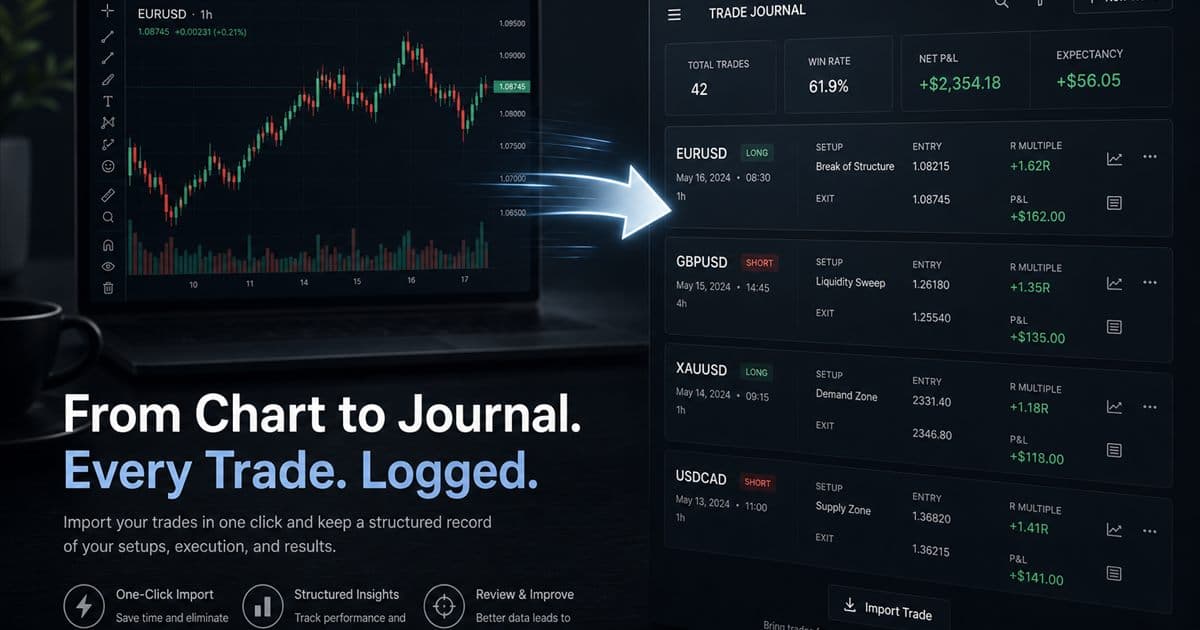
Most discretionary TradingView users journal from the chart they already annotated. Upload the image or paste a snapshot URL. TradeLogger drafts symbol, timeframe, direction, prices, and notes; you confirm. CSV export is a second path when your broker workflow supports it. There is no claim of a TradingView API that writes every fill automatically.
Walk through how to import trades from TradingView. If the chart is the evidence, stay screenshot-first even after you connect a broker for account stats.
How do you connect OANDA or cTrader to a trading journal?
OANDA uses an API token you create in the OANDA account, then paste into TradeLogger. cTrader uses browser sign-in and account picker. Both connections are optional account context: balance, equity, and deal-based stats. They do not certify that every journal field was extracted from the chart. You still confirm screenshot drafts and add tags.
- Connect OANDA to your trading journal — token, practice vs live, and what metrics load.
- Connect cTrader to your trading journal — one-click sign-in, account list, no Open API app registration on your side.
- Trading 212 journal — screenshot capture only; no invented Trading 212 sync.
- Product fit after you connect: TradeLogger app workflow.
When should you ignore integrations and stay on screenshots?
Stay on screenshots when the decision lives on the chart, when the broker is unsupported, or when you will not maintain tokens after a losing week. A connection you do not open is worse than a folder of dated chart images. Software selection beyond connectors belongs on trading journal software.
Guides in this cluster
- How to Import Trades from TradingView
Journal TradingView trades honestly with a screenshot-first workflow: paste or upload charts, confirm suggested fields, and add setup context.
- How to Connect OANDA to Your Trading Journal
To connect OANDA, just link it using your API token, and you can monitor everything—your balance, daily P&L, and win/loss stats—right inside TradeLogger.
- Connect cTrader to your trading journal with Open API OAuth
Link cTrader through Spotware Open API OAuth in TradeLogger to see balance, equity, and deal-based daily P/L next to your screenshot journal.
- The 212 Trading Journal: My Honest Look at the Screenshot Workflow
A Guide to Creating a Trading 212 Journal: Tracking Chart Screenshots, Using Verified Fields, Standardizing Tags, and Implementing Calendar Reviews—All While Avoiding Claims About Unsupported API Sync.
- TradeLogger Trading Journal App: Workflow, Fit, and Limits
A transparent guide to TradeLogger's screenshot-first capture, editable AI extraction, tags, calendar review, best-fit users, and limitations.
Frequently asked questions
Does TradeLogger import from every broker?+
No. TradeLogger emphasizes screenshot and AI capture plus specific connections such as OANDA and cTrader. Always verify the current feature for your broker. Do not assume a named platform means every product or file maps.
Can I journal TradingView trades without an API?+
Yes. Screenshot the chart or paste a TradingView snapshot URL. Vision drafts fields; you confirm. There is no TradingView API sync in the product loop described here.