Software · 14 min read
Best Trading Journal (2026): Screenshot Workflow Criteria
How to choose the best trading journal — app or online — using capture speed, screenshots, review tools, and honest TradeLogger fit.
Updated 2026-07-17 · TradeLogger Research
Quick answer
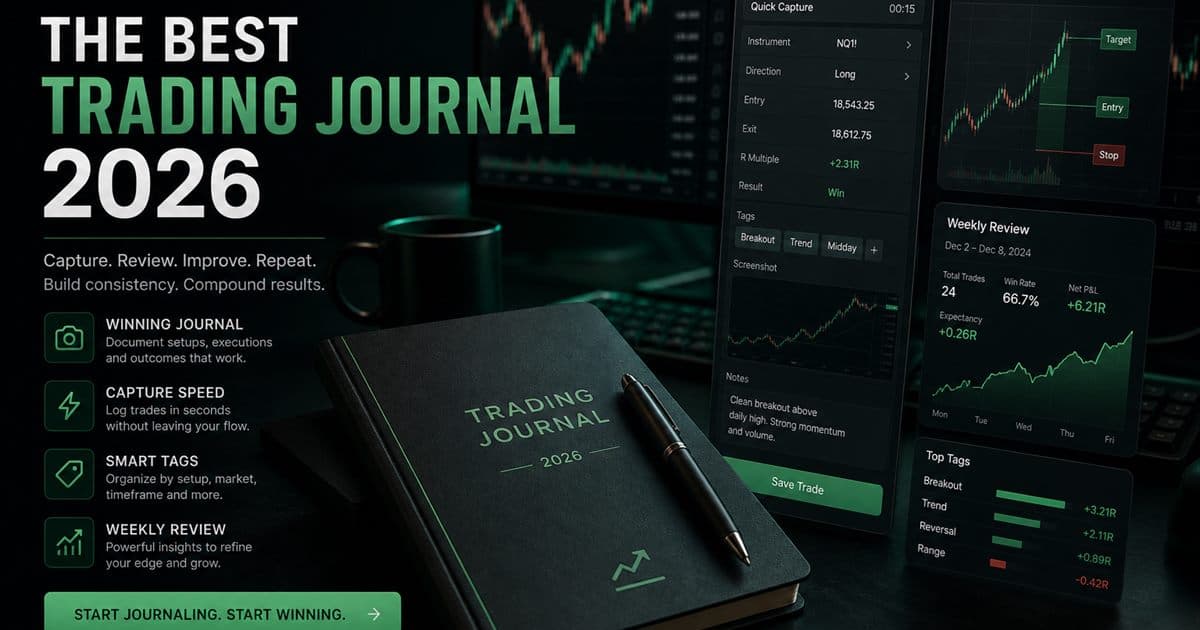
The best trading journal is the one you finish after a red day: under-two-minute capture (ideally from a chart screenshot), setup/emotion tags, and a weekly review by tag — not the longest feature matrix.
“Best trading journal,” “trading journal app,” and “trading journal online” usually mean the same job: will you log after losses, and can you review by setup next Sunday? Affiliate listicles answer with feature dumps. Use a scorecard instead.
Scorecard we use (and build for)
- Capture ≤ 2 minutes per trade after the session
- Chart context without retyping prices (screenshot or reliable import)
- Tags: setup, session, emotion — filterable later
- Weekly review that produces one rule change
- Transparent pricing you can sustain for a year
TradeLogger’s actual capture loop
Our product loop is deliberately narrow: upload or paste a chart/broker screenshot → AI proposes symbol, direction, entry/exit, size, and timing → you confirm/edit → add setup + emotion tags → save. Calendar and tag filters handle review. Optional OANDA sync sits beside screenshot logs for account stats — it does not replace chart context.
- Works when your source of truth is the chart (TradingView, MT, broker UI)
- Fails if you need 200-broker CSV automation as the primary habit
- AI fields are suggestions — wrong extractions are expected; fix is still faster than blank rows
App vs online vs “software suite”
Most traders searching “trading journal app” need an online journal they can open on desktop after the session. Native mobile apps matter less than paste-from-clipboard speed and a review calendar. Mega suites add replay, social, and import breadth — useful only if you will use them weekly; otherwise they become unused tabs you resent paying for.
When free Excel still wins
If you take fewer than ~20 trades a month and hate new tools, a template is fine. The habit dies when screenshots pile in chat folders and formulas drift. That friction is the upgrade signal — not a sales page.
Frequently asked questions
What is the best trading journal overall?+
There is no universal winner. Match capture method (screenshot vs CSV/API), review depth, and a price you will still pay in six months.
Best trading journal app vs online journal?+
For discretionary traders, a browser-based online journal is usually enough. “App” mainly means fast paste/upload and a calendar you open daily — not a native install.
Is TradeLogger the best trading journal software?+
TradeLogger fits chart/screenshot discretionary desks best. Import-only multi-broker terminals may fit other tools. Compare live pricing and try one real session log before committing.
Best free trading journal?+
Start with a short template or free tier. Upgrade when screenshots and tag reviews become the bottleneck — see our free journal guide.
Related guides
- Best Free Trading Journal: Template First, Then Upgrade
Honest free trading journal options — spreadsheet template, free tiers, and when paying for screenshot software is cheaper than broken habits.
- TradeLogger Trading Journal App: Features, AI & Pricing
Structured journaling, AI screenshot workflows, analytics, emotion tracking, and transparent pricing.
- How to Review a Trading Journal Weekly
A 30–60 minute weekly review checklist that turns trade logs into next-week rules.
- TradeLogger vs TradeZella
Screenshot AI journaling versus all-in-one AI suites — honest fit guide for 2026 buyers.
Test the screenshot workflow
Log one real trade from a chart image. If confirmation is faster than typing, you found your journal class.
Start free