Forex · 13 min read
Forex Trading Journal: Sessions, Spreads, Screenshots
How to journal forex trades properly — London/NY sessions, pair tags, spread costs, free template fields — and when screenshot software helps.
Updated 2026-07-17 · TradeLogger Research
Quick answer
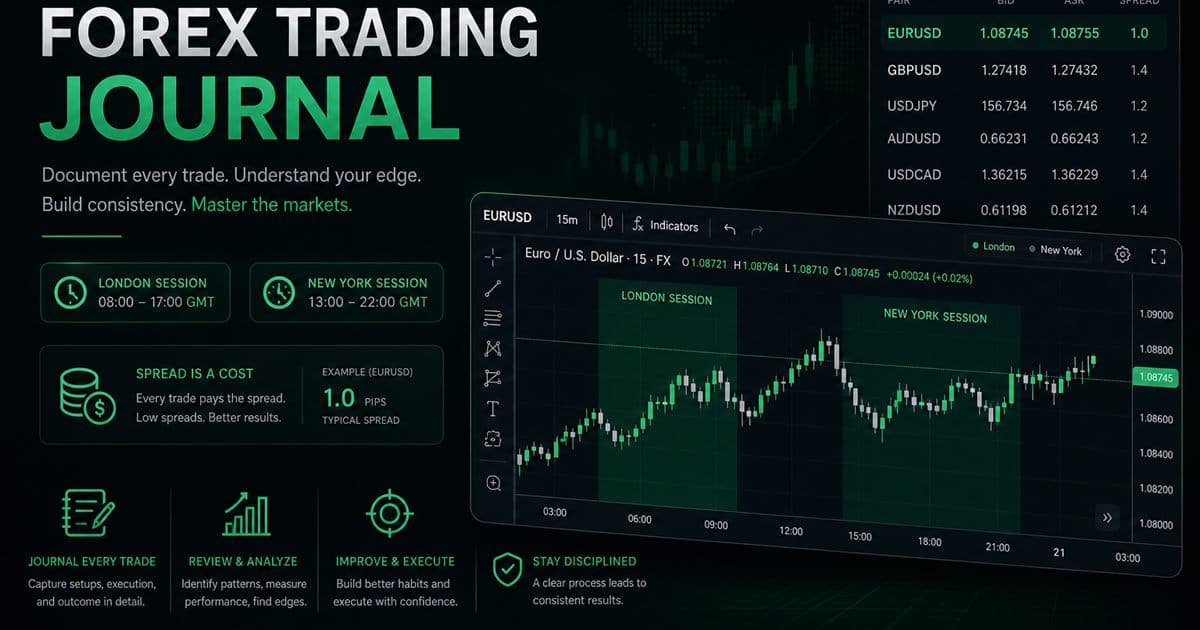
A forex trading journal tags pair, session, setup, R, emotion, and chart screenshot. Free templates work early; software helps when session filters and screenshots become the review bottleneck.
Forex journaling fails when it becomes a second strategy notebook. Your journal’s job is decision quality by session and pair — not predicting NFP.
FX-specific fields we recommend
- Pair (keep a short list — EURUSD/GBPUSD before exotic soup)
- Session: Asia / London / NY / overlap
- Spread or commission in R terms when it matters
- Setup tag identical to your playbook name
- Emotion + screenshot of the entry candle context
Free forex template → software
Copy the columns from our trading journal template and add Session + Pair. That is your free forex trading journal. Move to TradeLogger when you want screenshot extraction and calendar filters by London vs NY without pivoting Sheets every Sunday.
Learning forex with a journal (not a guru feed)
- One pair, one session for 30 days
- Fixed R risk on demo or tiny size
- Same-day journal entry — no backlog
- Weekly: one rule change maximum
- Promote size only after tagged expectancy looks stable
Frequently asked questions
What should a free forex trading journal include?+
Pair, session, spread/commission note, setup, R risk, emotion, screenshot, result R, lesson. Skip indicator dumps.
How does journaling help learning forex?+
Limit to one pair and one session, journal every demo/live trade same day, change only one rule per week. Education without a journal rewrites history.
Does TradeLogger sync every forex broker?+
Screenshot journaling works across chart UIs. Optional OANDA sync is available for account stats — do not expect universal broker APIs.
Related guides
- Prop Firm Trading Journal: Track Rules Before You Blow Up
How to journal for prop firm challenges: daily loss, max drawdown, profit targets, and trading days.
- Trading Journal Template (Excel & Sheets Ready)
A practical trading journal template with the exact columns we use — Excel/Sheets friendly — plus when to move screenshots into software.
- How to Connect OANDA to Your Trading Journal
Link OANDA with an API token and track balance, daily P&L, and win/loss stats in TradeLogger.
- Best Free Trading Journal: Template First, Then Upgrade
Honest free trading journal options — spreadsheet template, free tiers, and when paying for screenshot software is cheaper than broken habits.
Journal FX from the chart
Upload a pair screenshot, confirm fields, tag session — review London vs NY next week.
Start free